Welcome to the ultimate guide on leveraging Artificial Intelligence for digital asset creation.
The landscape of digital development is shifting rapidly. Whether you are an indie game developer, a VR enthusiast, or a professional 3D artist, the emergence of AI-driven modeling tools is changing the way we perceive design. Gone are the days when every single vertex and polygon had to be manually manipulated over hundreds of hours. Today, we stand on the cusp of an era where text-to-3D and image-to-3D technologies are democratizing the creation of immersive environments.
Overview: The Rise of AI in 3D Modeling
AI 3D modeling utilizes machine learning algorithms—specifically generative adversarial networks (GANs) and diffusion models—to interpret 2D data and reconstruct it into 3D space. This process, often referred to as « Generative AI for 3D, » allows creators to generate complex geometries, textures, and even rigging information with minimal manual input.
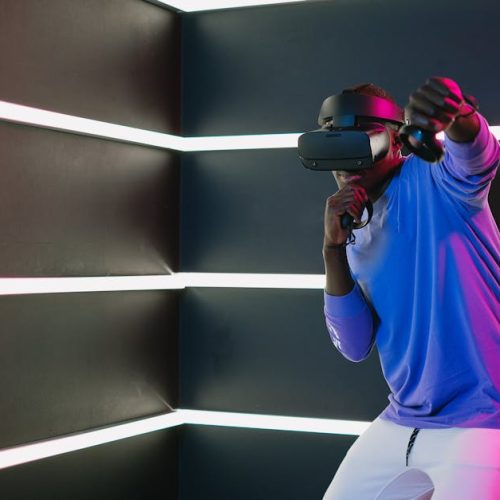
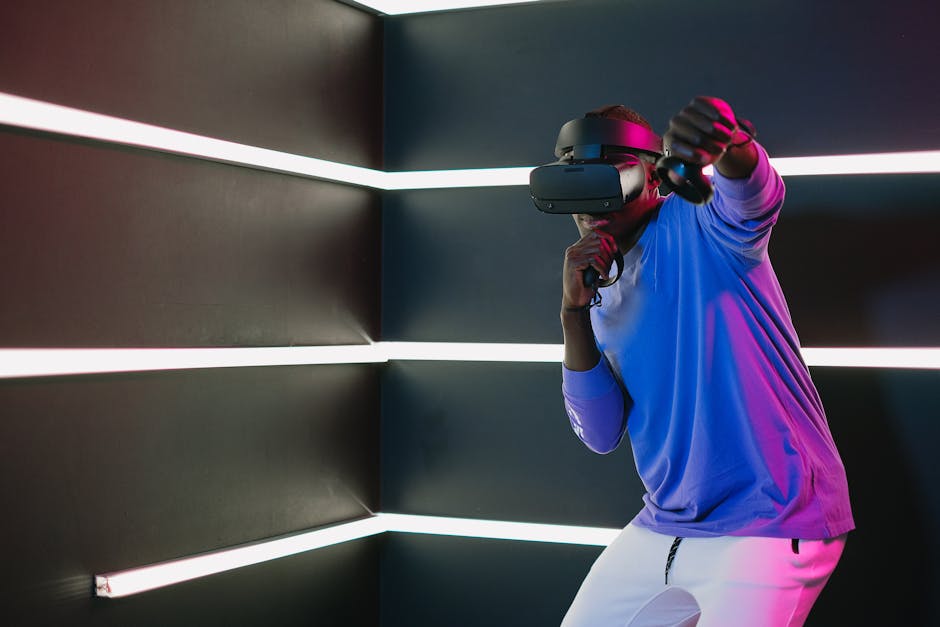
For games and Virtual Reality (VR), this means significantly reduced production cycles. By automating the creation of background props, environment assets, and rapid prototypes, developers can focus their energy on gameplay mechanics and storytelling. The current technology focuses on three primary areas: Text-to-3D (generating models from descriptions), Image-to-3D (generating models from a single or multiple photos), and Neural Radiance Fields (NeRFs) which create photorealistic 3D scenes from video footage.
📌 Related to this topic:
Key Strategies for Implementing AI Workflows
Integrating AI into your 3D pipeline requires more than just clicking a « generate » button. To get professional-grade results, you should follow these key strategies:
- Hybrid Modeling: Use AI to generate the base mesh and primary silhouette of your object, then export it to software like Blender or ZBrush for manual refinement and retopology. This combines the speed of AI with the precision of human artistry.
- Automated Texturing: Even if you model manually, use AI tools like Adobe Substance 3D’s AI features or Polycam to generate high-quality PBR (Physically Based Rendering) textures from real-world photographs.
- Utilizing NeRFs for VR: For VR experiences that require hyper-realism, use Neural Radiance Fields to capture real-world locations. This creates a much more immersive experience than traditional low-poly modeling for architectural visualization.
- Rapid Prototyping: Use AI generators to quickly populate a scene with « grey-box » assets to test the scale and feel of a game level before committing to high-fidelity manual modeling.
Tips for Optimizing AI-Generated Assets
AI models often produce « messy » geometry, such as high poly counts or non-manifold meshes. Follow these tips to ensure your assets are game-ready:
- Retopology is Essential: AI-generated models usually have dense, triangulated meshes. Always use a retopology tool (like QuadRemesher) to convert the mesh into clean quads for better performance in game engines like Unity or Unreal Engine.
- Check the UV Maps: Automated UV unwrapping is getting better, but it often wastes texture space. Manually pack your UVs to ensure your textures remain crisp without consuming excessive VRAM.
- Baking Normals: Since AI models can be heavy, bake the high-poly detail into a normal map for a lower-poly version of the same model. This maintains visual fidelity while keeping the frame rate high in VR.
- Prompt Engineering: When using text-to-3D tools, be specific. Instead of « a chair, » use « a mid-century modern wooden chair with velvet upholstery, highly detailed, 4k textures. »
Conclusion
The bridge between imagination and three-dimensional reality is shorter than it has ever been. By embracing AI tools, you aren’t replacing your creativity; you are supercharging it. Start now by experimenting with one of the many AI platforms available and witness how quickly your digital worlds come to life.
📌 Found this helpful? Pin it for later!
Save this guide to your Pinterest board so you never lose these AI 3D modeling strategies.